
Mechanical sound for every keystroke.
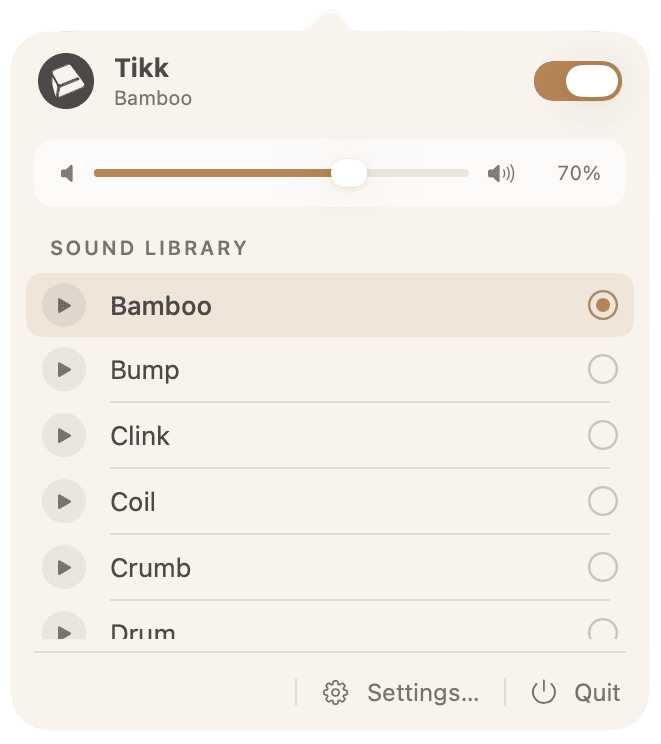
Tikk adds the sound of a mechanical keyboard to every keystroke on your Mac. Pick a keyboard you love, and typing becomes something you enjoy.
 Download for Mac
Available on the Mac App Store


Tiny hooves on stone: tick-tick, tick-tick-tick.
Press a key. Hear it.
Type in the box below, or tap a key on the screen.
This demo uses one keyboard, Bamboo. The app has 20+.
Press and release.
Each key makes a sound when you press it and another when you let go, just like a real mechanical switch. Small pitch variations keep it sounding like someone actually typing, not a recording on a loop.
20+ keyboards.
Deep and thocky. Soft and creamy. The clack of an old typewriter. Modern custom builds. Switch to a different one whenever you feel like it.
Your tone.
Adjust the tone until it sounds right to you: deeper, brighter, softer, or sharper.
Get Tikk.
Pick a keyboard you love, and typing becomes something you enjoy.
Download for Mac